Scrolls
as you
speak.
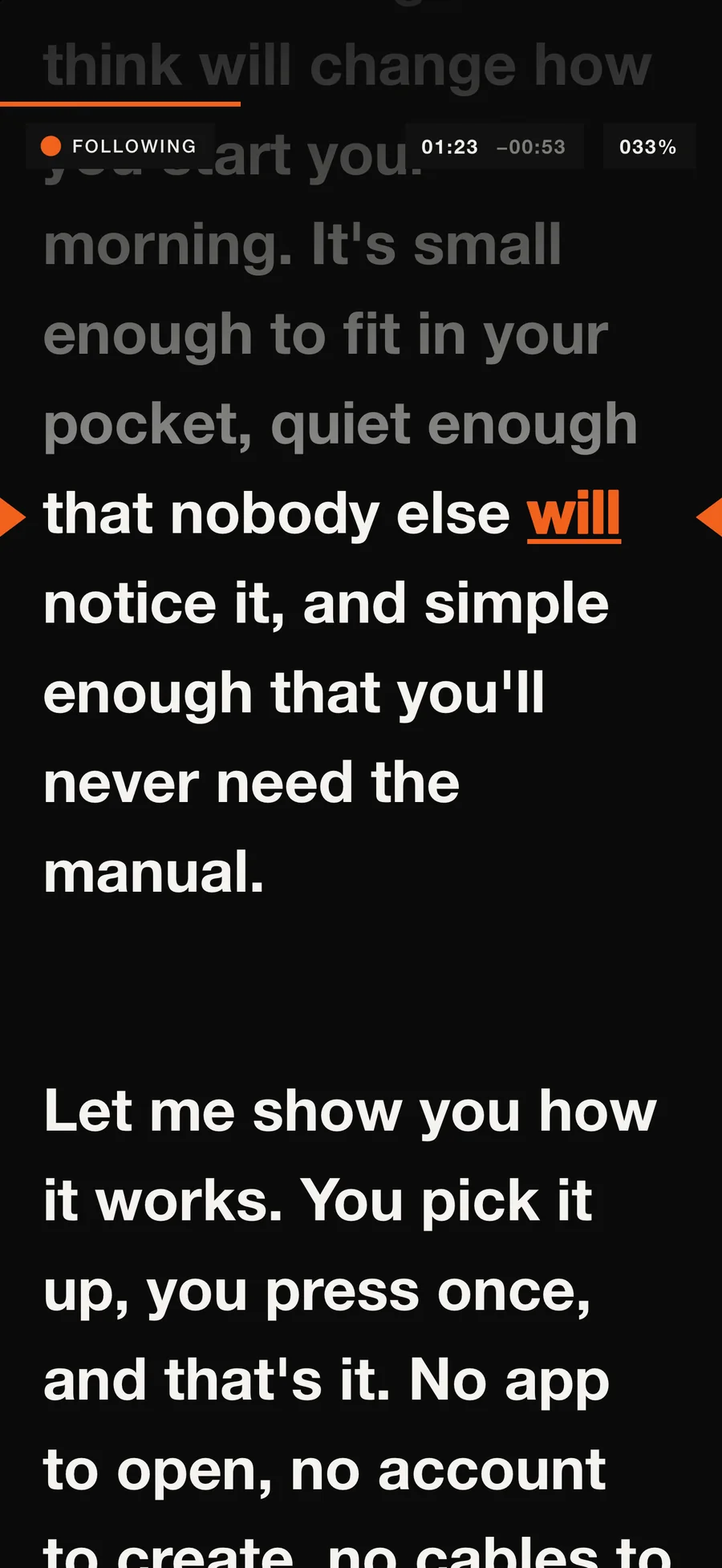
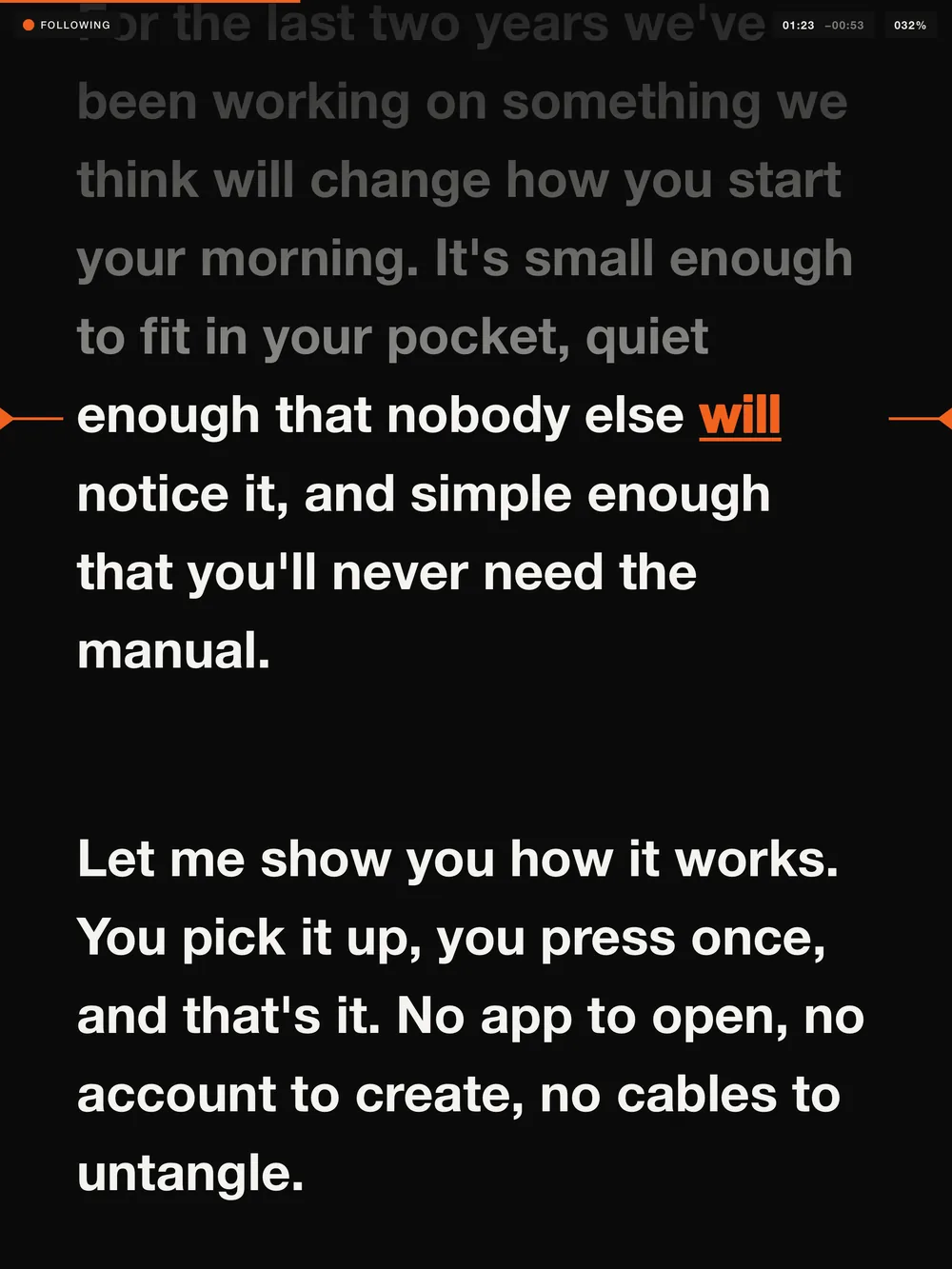
Start reading and the script moves with you. Pause, ad-lib or take a breath, and it waits. Skip a paragraph or go back, and it finds you again. No foot pedal, no operator, no fixed speed to keep up with.
Read naturally.
It keeps your place.
Voice Follow uses Apple’s on-device speech recognition. It scrolls at your pace and keeps the word you just said on the reading line.
Your pace, not a fixed speed
Speed up, slow down, stop. The script moves when you do.
Waits while you ad-lib
Go off script and it holds. Return to the text and it picks up again.
Finds you again
Skip ahead or go back to repeat a line, and it catches up with you.
The word you just said
Marked in colour as you read, or with an underline, a marker block or a bar in the margin.
[Cues] in brackets
Stage directions stay on screen in a lighter weight, and Voice Follow never waits for them.
Pace and time left
Your speaking pace in words per minute, elapsed time and an estimate of the time left.
The same app,
in your pocket.
teleprompThor runs on iPhone in portrait and landscape, with controls that fit and text kept clear of the camera. Scripts sync with your iPad through iCloud.
Drag to turn
Everything else
a prompter needs.
Prefer a set speed? Manual and timed scrolling are always free, and you can switch modes mid-session.
Manual and timed scrolling
Play, pause and a speed you set, without the microphone.
Movable reading line
Put it a third of the way down, or up by the camera so your eyes stay on the lens.
Mirror mode
Flips the text horizontally for beam-splitter rigs.
Type and colour
Text size, line spacing, margins, and text and background colours with presets.
Countdown and timers
A 3, 5 or 10 second countdown, elapsed time and time left.
Tap, drag, or use a remote
Tap to pause, drag to move through the script. Bluetooth page turners and keyboards work too.
| Space Return | Play and pause |
|---|---|
| ↓ ↑ | Nudge one line forward or back |
| Page Down Page Up | Move about 40% of a screen |
| = - | Faster and slower, in manual mode |
| M | Switch between manual and Voice Follow |
| Home | Back to the top |
Bring in
any script.
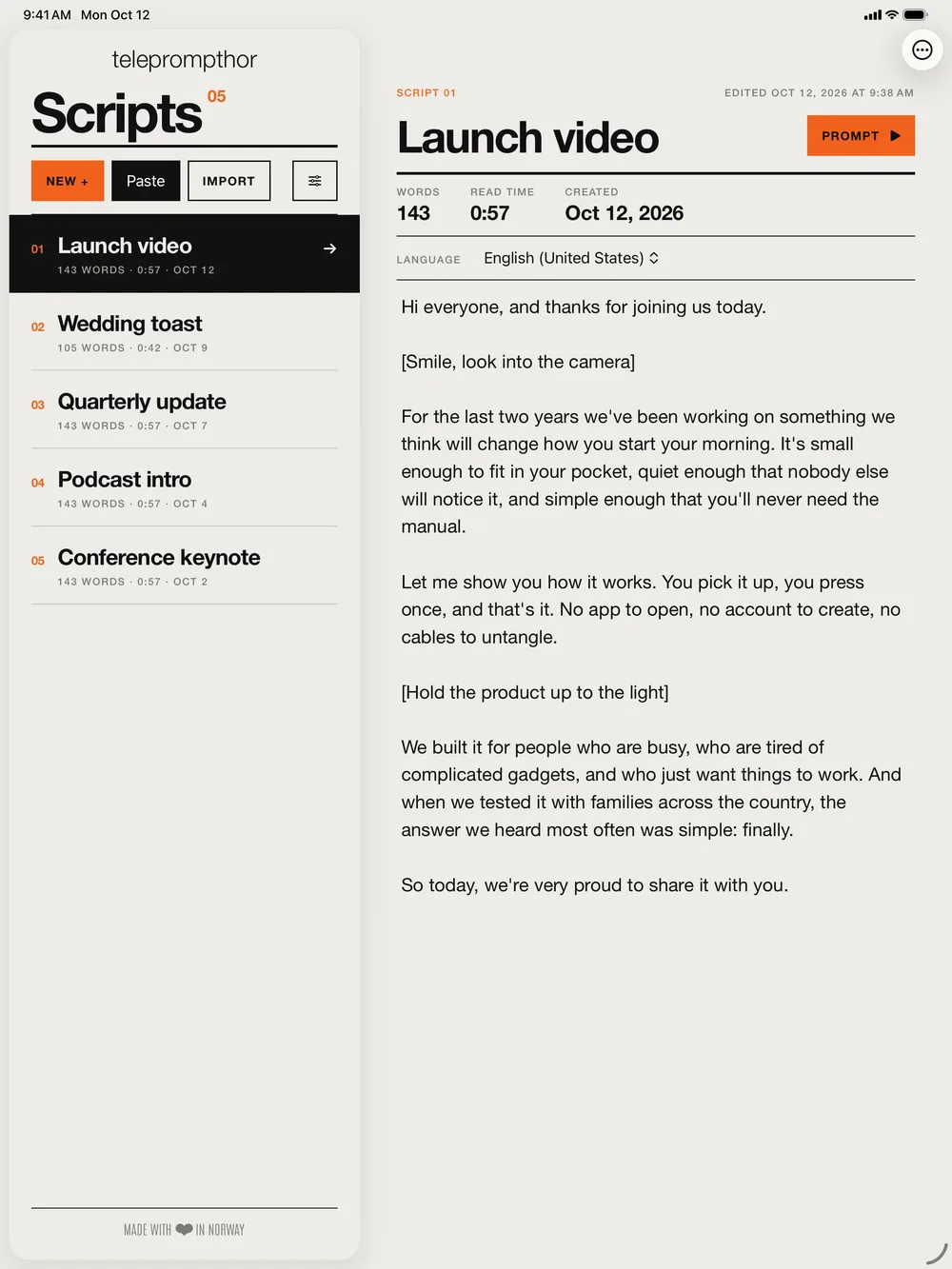
Paste from any app, import from Files, or open a document straight from Mail. Scripts sync between your iPhone and iPad through your own iCloud.
- DOCXWord
- PDFParagraphs rejoined
- RTFRich text
- HTMLWeb pages
- MDMarkdown
- TXTPlain text
Paste
One tap turns what you copied into a new script, titled from its first line.
Import
From the Files app, including iCloud Drive, Dropbox, Google Drive and OneDrive. Several files at once.
Open in teleprompThor
From the Share sheet in Files, Mail and other apps.
Drag and drop
Drop files or selected text onto your library on iPad.
Your voice never leaves your device.
Speech recognition runs on your iPhone or iPad, and what you say is never stored. After a one-time download for each language, Voice Follow works offline, which is handy when you’re shooting on location.
- No accountOpen the app and start reading.
- No adsNothing between you and your script.
- No trackingNothing follows you around.
- No analyticsNone in the app. Scripts stay on your devices and in your own iCloud.
Read the privacy policy.
Speak your
own language.
English, French, German, Italian, Japanese, Korean, Chinese, Portuguese, Spanish, Danish*, Dutch*, Norwegian*, Swedish* and more.
* Voice Follow runs with a slight delay in these languages. Which languages you can use depends on your device and iOS version; the app shows the list for yours. Each script can have its own language.
The app itself is in English, Danish, Dutch, French, German, Italian, Japanese, Norwegian, Portuguese (Brazil), Spanish and Swedish.
Made for
- aVideos and vlogs
- bPresentations and pitches
- cSpeeches and lectures
- dSermons
- ePodcasts and live streams
Pay once.
No subscription.
Try it.
- Manual and timed scrolling, always free
- Voice Follow for your first 3 sessions
- 3 scripts, plus the welcome script
- The welcome script is always free to read with Voice Follow
Keep it.
- Voice Follow, as often as you like
- Unlimited scripts
- On your iPhone and iPad
- One-time in-app purchase
A session counts once Voice Follow has followed you for 20 seconds, so accidental starts don’t use one up. The price is shown in the app in your local currency.
Start
reading.